


Here’s everything you need to manage your mortgage. It’s simple, secure and available anytime.
Overlay




Manage your mortgage with confidence
You can manage most things online. Check your balance, make extra payments, see your home’s value, explore new deals and more.

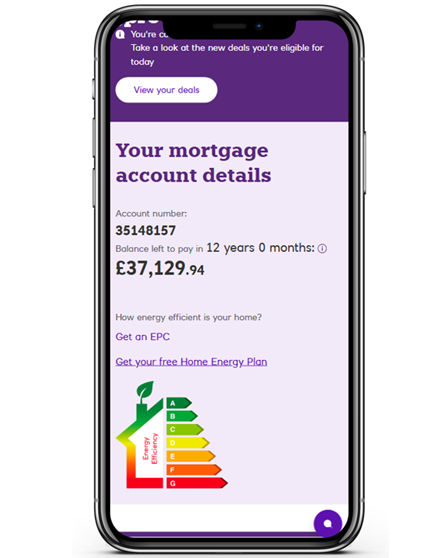
View your mortgage details, balance and see if you can switch your deal

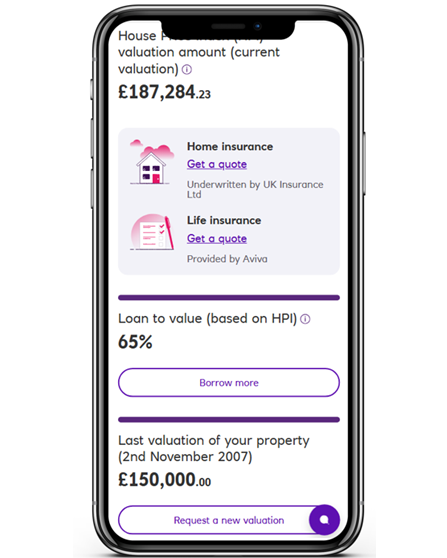
Find out your home value, your loan to value or get a quote for insurance

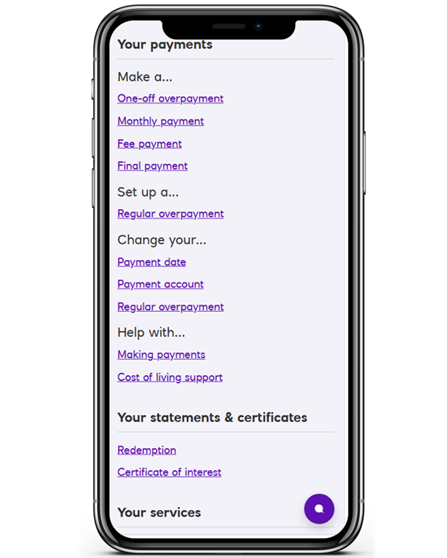
Make overpayments, change your payment dates or payment account

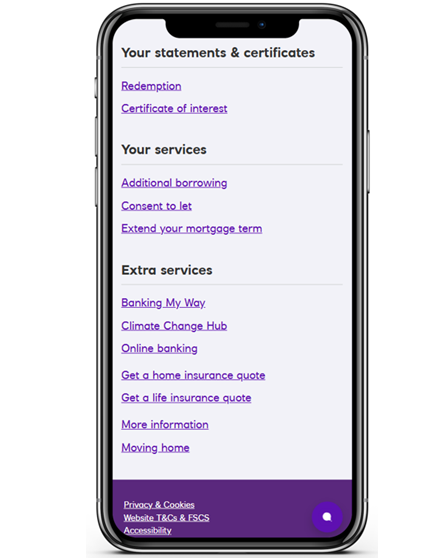
Apply to borrow more, get consent to let or extend your mortgage term
Manage your mortgage with confidence
You can manage most things online. Check your balance, make extra payments, see your home’s value, explore new deals and more.
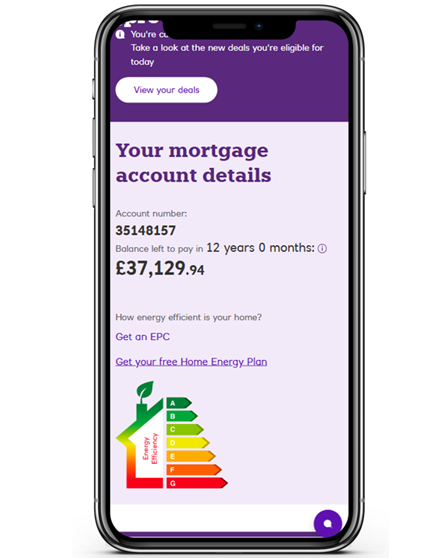
View your mortgage details, balance and see if you can switch your deal
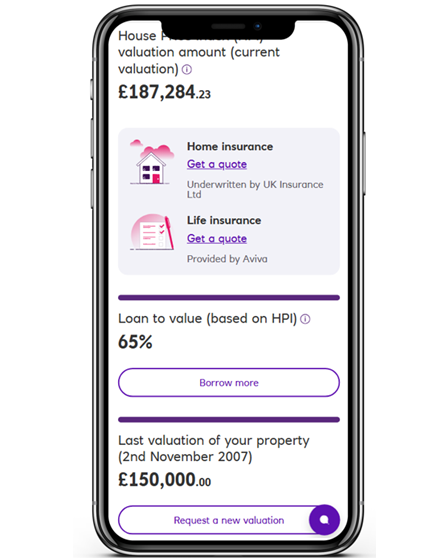
Find out your home value, your loan to value or get a quote for insurance
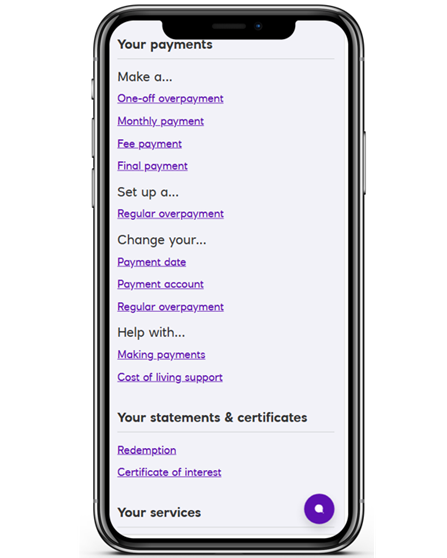
Make overpayments, change your payment dates or payment account
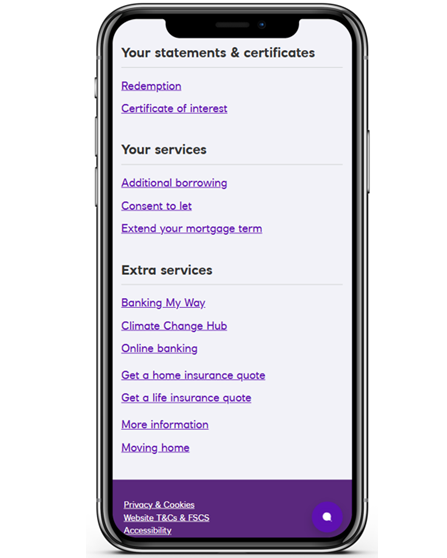
Apply to borrow more, get consent to let or extend your mortgage term

Manage your Mortgage with the Royal Bank app
Scan the QR code or downloading our app to get started on your phone or tablet.
Don’t want to use the app?
You can also use Manage Your Mortgage through Digital Banking instead. Our quick step-by-step guide will help you get set up.
You’ll need your mortgage account number, which is in your mortgage documents.
Allow 2 working days after the completion of your mortgage before signing up for our app.
Our app is available to personal and business banking customers aged 11+ using compatible iOS and Android devices. You'll need a UK or international mobile number in specific countries.
Only have a mortgage with Royal Bank?
If we ask for an account number, enter your mortgage account number.
When you register, we’ll create a customer number for you. Please keep this safe.
If you need help, our step‑by‑step guide will walk you through the process.
More help with your mortgage
Need some help? Speak to our mortgage team
Call us
We're on hand to arrange a phone or video call with one of our qualified mortgage professionals. We can also help with any general queries about the process.
Call us on 0345 7212 600
Opening hours: Mon-Fri 8am-6pm, Sat 9am-4pm, Sun Closed. Excluding public holidays.