


You can look after your mortgage online whenever it suits you. Just log in and you’ll see everything in one place.
Overlay




Manage your mortgage with confidence
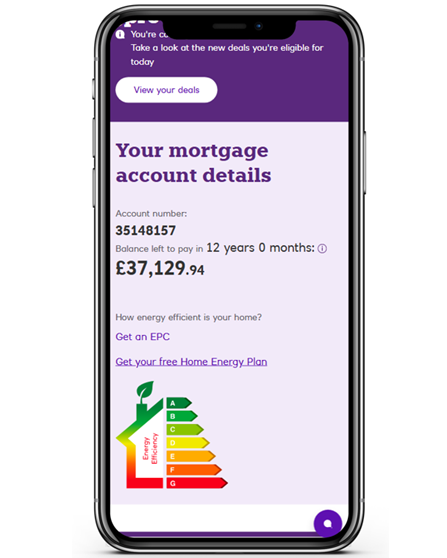
Manage your mortgage online — see your balance, make extra payments, check your home’s value, explore new deals and more!

View your mortgage details, balance and see if you can switch your deal

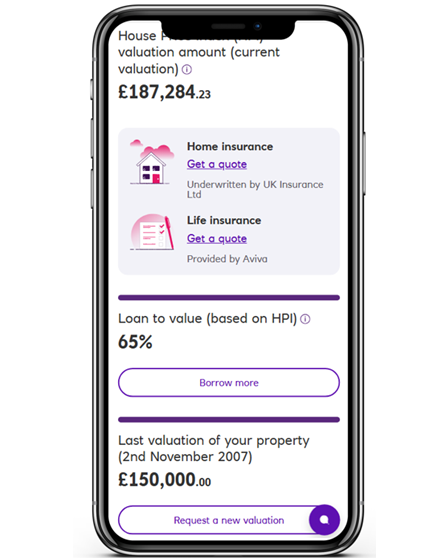
Find out your home value, your loan to value or get a quote for insurance

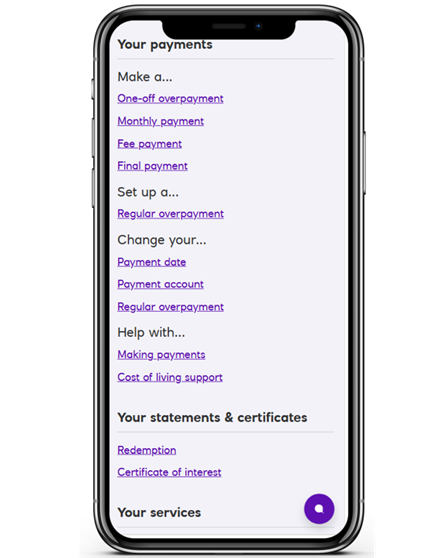
Make overpayments, change your payment dates or payment account

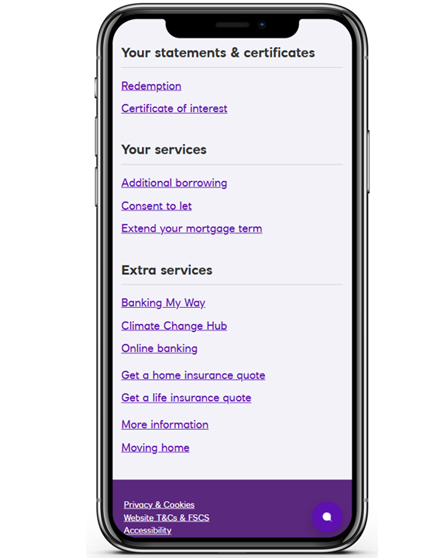
Apply to borrow more, get consent to let or extend your mortgage term
Manage your mortgage with confidence
Manage your mortgage online — see your balance, make extra payments, check your home’s value, explore new deals and more!
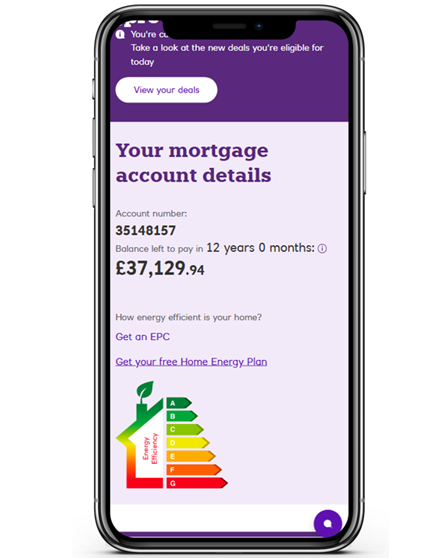
View your mortgage details, balance and see if you can switch your deal
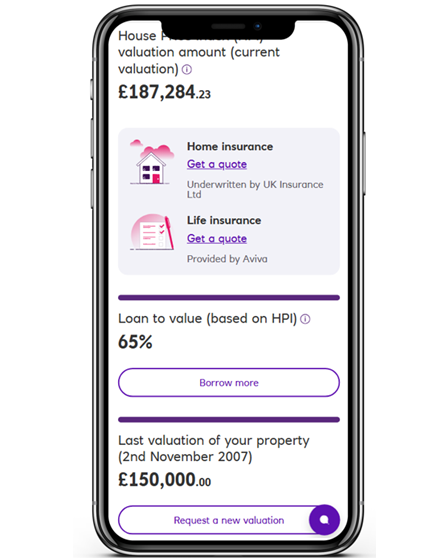
Find out your home value, your loan to value or get a quote for insurance
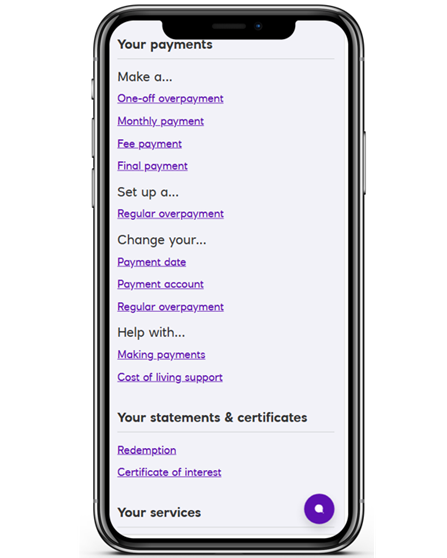
Make overpayments, change your payment dates or payment account
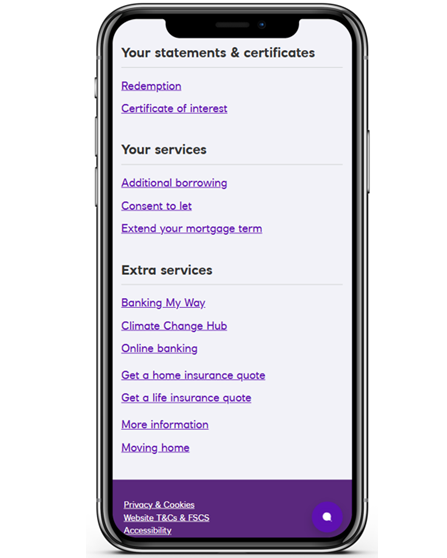
Apply to borrow more, get consent to let or extend your mortgage term
Get the Royal Bank app
- Open the App Store (iPhone) or Google Play (Android).
- Search for “Royal Bank of Scotland.”
- Download the app.
If you need help registering, we can guide you.
Information Message

Log in to the Royal Bank App
- Open the app.
- Choose your mortgage account.
- Tap “Manage my Mortgage”
Information Message
Log on to Digital Banking
Once you’ve logged in, look for the ‘Manage your Mortgage’ section to get started.
Not signed up yet?
Information Message
Only have a mortgage with Royal Bank?
If we ask for an account number, enter your mortgage account number.
When you register, we’ll create a customer number for you. Please keep this safe.
If you need help, our step‑by‑step guide will walk you through the process.
More help with your mortgage
Need some help? Speak to our mortgage team
Call us
We're on hand to arrange a phone or video call with one of our qualified mortgage professionals. We can also help with any general queries about the process.
Call us on 0345 7212 600
Opening hours: Mon-Fri 8am-6pm, Sat 9am-4pm, Sun Closed. Excluding public holidays.