

Step 1
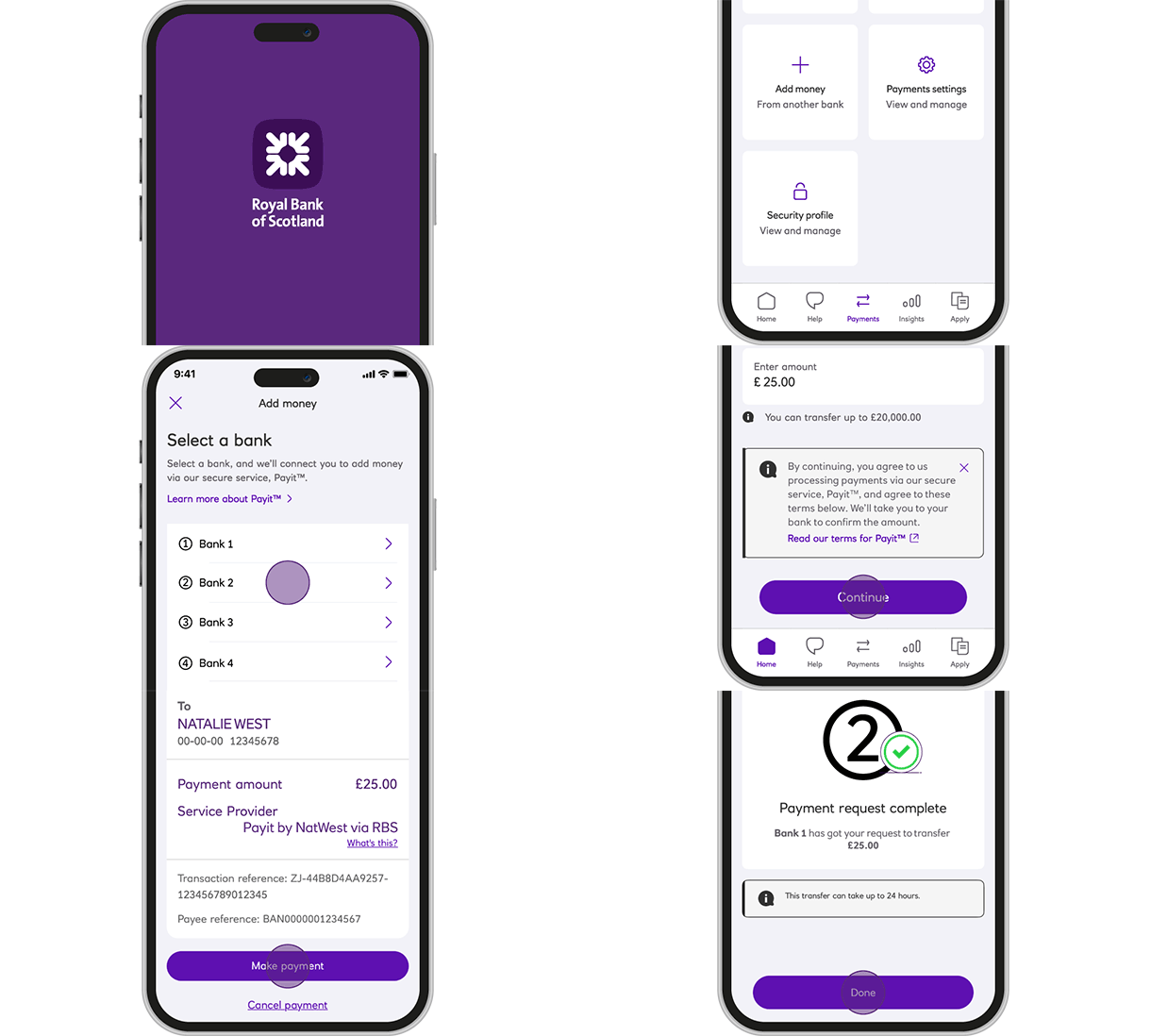
Open our app, and tap 'Payments'

Available to mobile app customers aged 16+. Add money requests can be made from eligible current & savings accounts. £20,000 limit per individual payment. Requests can only be completed with eligible accounts with participating UK banks and you must have online or mobile banking. Paying bank criteria and limits may apply.
Want a quick and easy way to add money from an account held elsewhere? Quickly boost your balance in just a few steps in our app.
Go to ‘Payments’ and select ‘Add money’,
Most payments are received instantly, though some may take up to 24 hours due to additional checks.
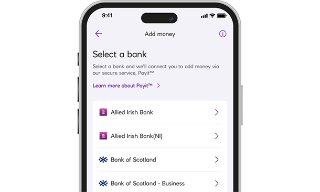
Add money uses NatWest Payit™ to make payments between your accounts, without the need for bank details. It uses Open Banking to connect you to the mobile or online banking of your other bank, allowing you to securely log in with your banking credentials and approve your Add money payment.
Once approved, you will be redirected back to our app, where you will receive a payment confirmation, and your account balance will be updated instantly, providing a fast and safe way to transfer funds.
Open our app, and tap 'Payments'
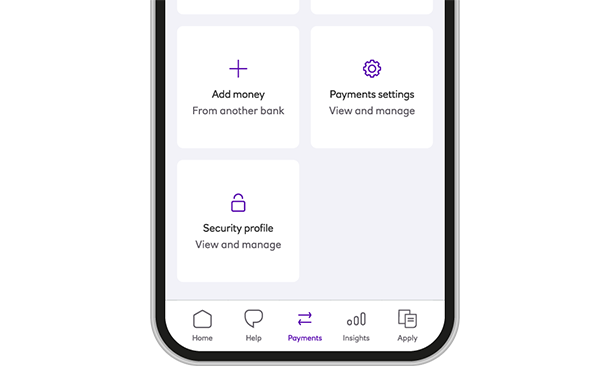
Swipe to choose your account you want to add money to, and Tap 'Add money'
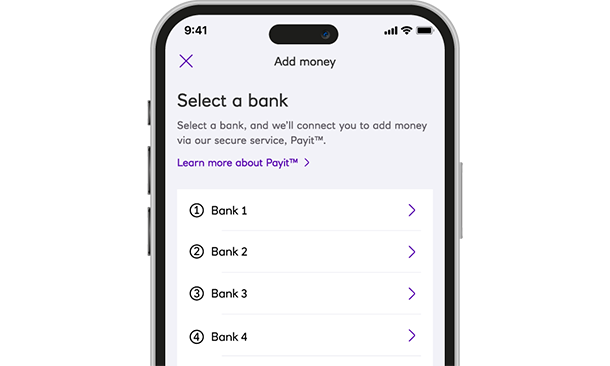
Scroll and tap which bank you want to add money from
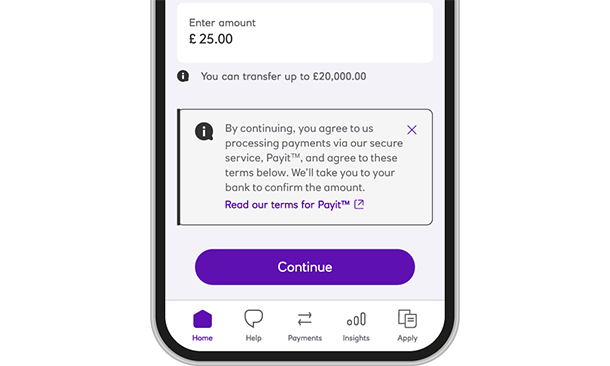
Decide how much you want to add and tap 'Continue'
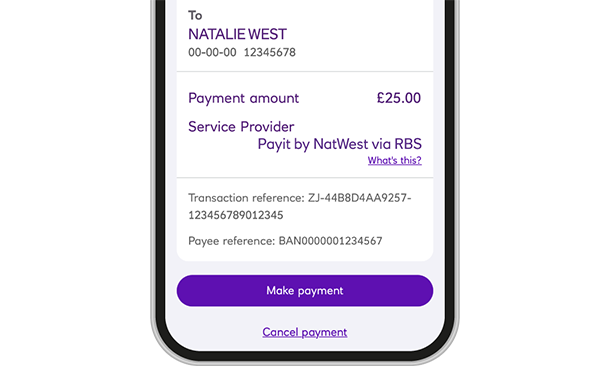
Securely approve your 'Add money' request with your other bank
(Approval screens differ between banks)
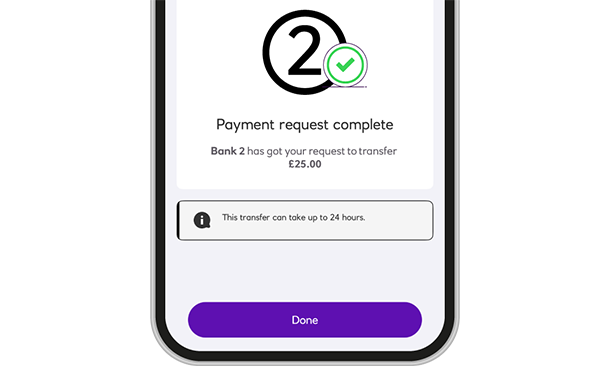
Your 'Add money' request is received in seconds and your balance updated
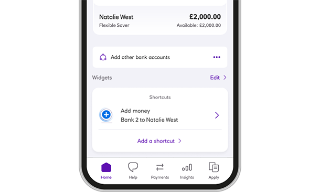
Link a chosen Royal Bank of Scotland and an account held elsewhere together to create a quick way to add funds from your Home screen, without needing to scroll through our app.
Go to your Home screen, scroll to Widgets, tap 'Add a Widget' or choose 'Add a shortcut' if you have one already created:
Most payments are instant, though some may take up to 24hours due to additional checks.