


Connect an eligible mortgage from another lender to view it alongside your Royal Bank accounts in the Royal Bank app. Track your estimated home value, home equity, mortgage balance, and access features such as our overpayment calculator.
Overlay

Benefits of connecting your mortgage
Connecting an eligible mortgage from another lender can help you keep track of your finances in one place. You'll be able to see key mortgage information alongside your Royal Bank accounts without having to switch between different apps.
The feature can also provide useful information to help you better understand your mortgage and explore ways to support your home ownership journey.
What you can do
Once connected, you may be able to:
- See your mortgage account details and estimated home value
- View your mortgage balance and balance history
- Access our live remortgage deals
- Track your mortgage progress
- Explore information about mortgage overpayments
- Access guidance on home energy planning
- Learn about home and life insurance
Connecting your mortgage to the Royal Bank app
You can connect an eligible mortgage from another lender through the Royal Bank app and start viewing your mortgage information in just a few steps.

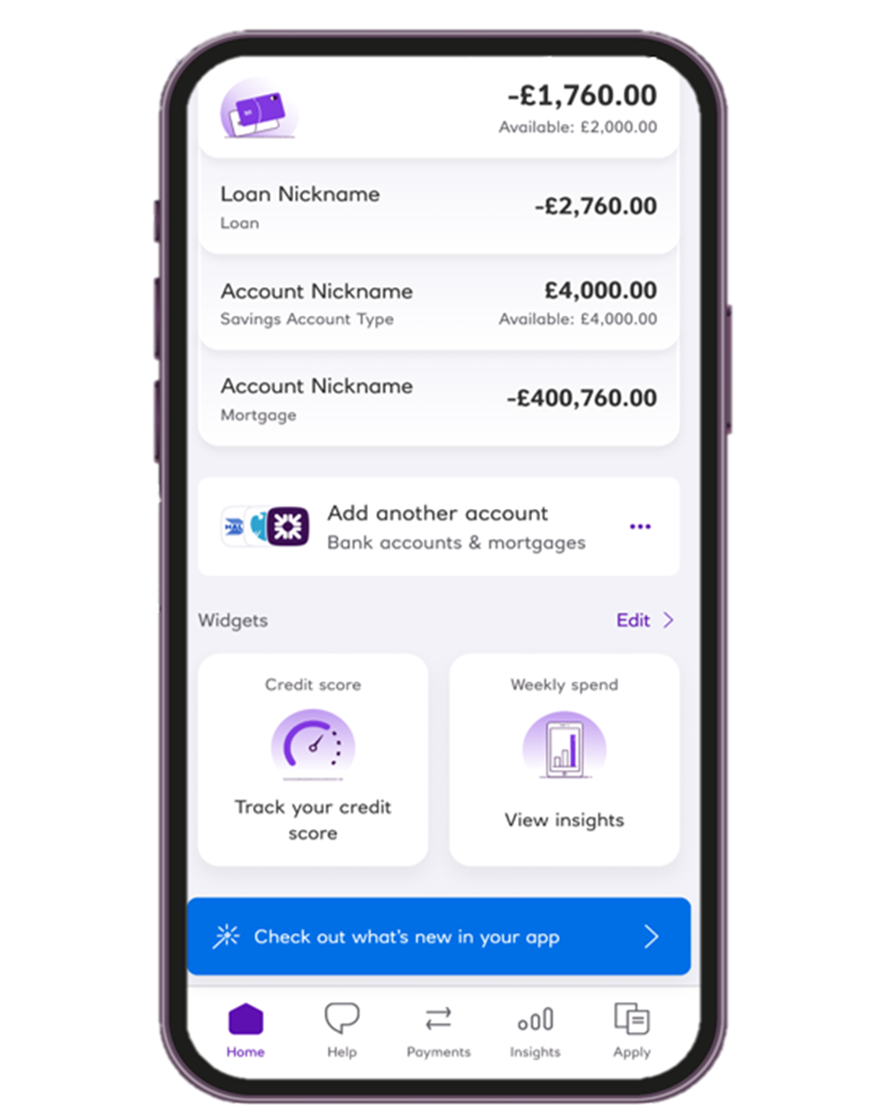
Step 1: Open the Royal Bank app and select 'Add another account'
Open the Royal Bank app and choose 'Add another account' to begin.
Step 2: Tell us about your mortgage
Provide some details about your mortgage to connect it.

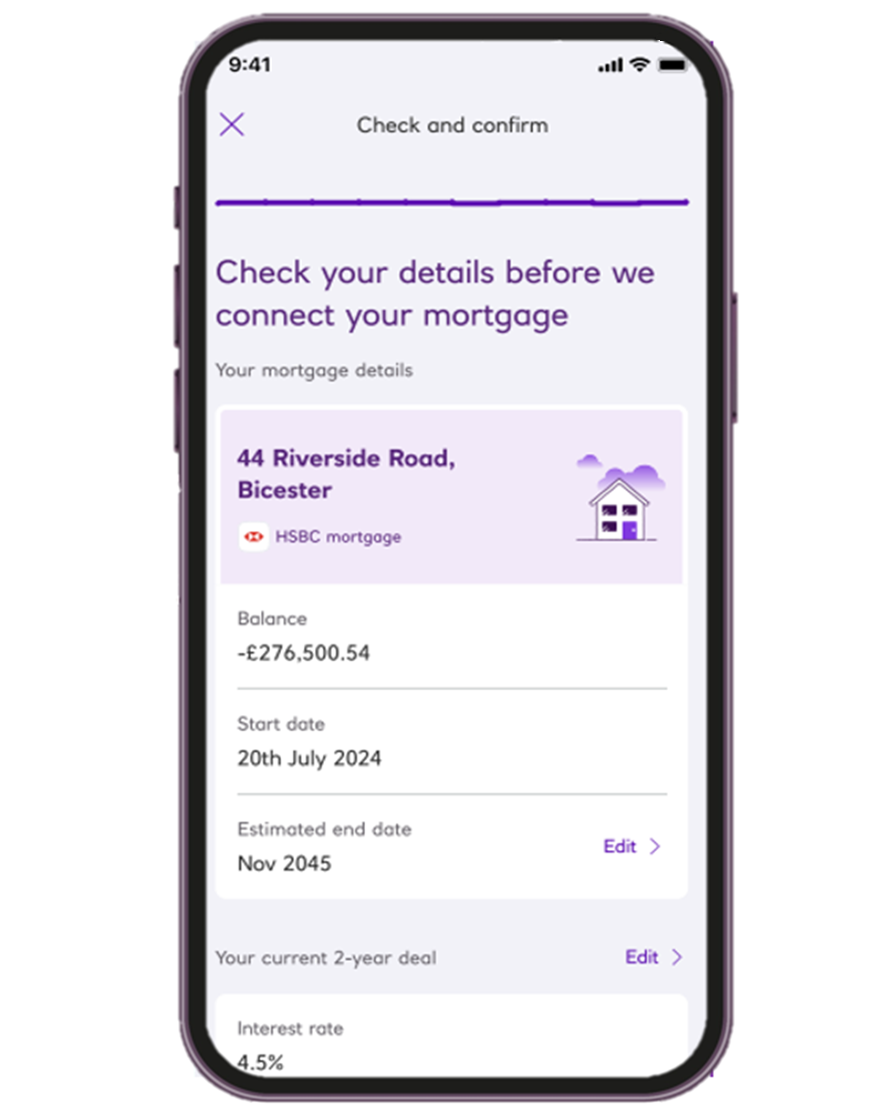
Step 3: Confirm and connect
Give permission for us to connect your mortgage.

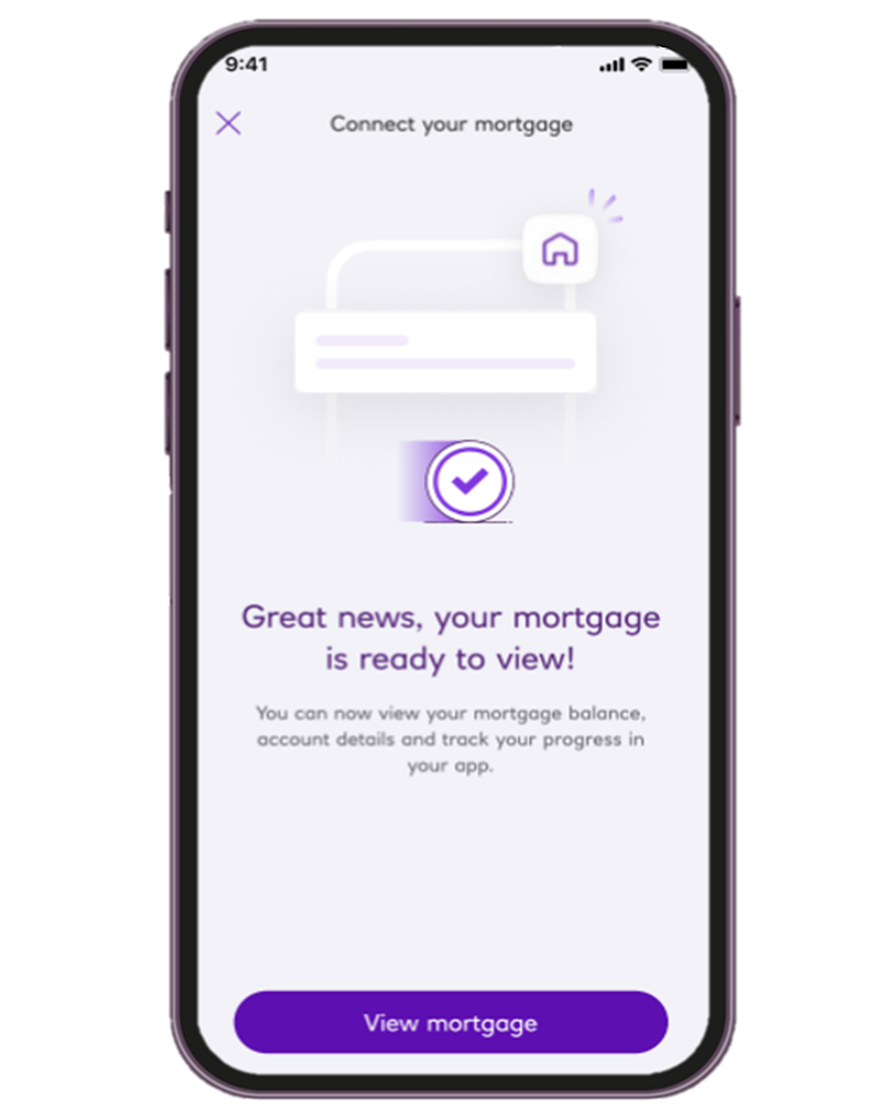
Step 4: Track your home value, equity and mortgage balance
Once connected, you can view your mortgage, explore deals, and get helpful guidance.
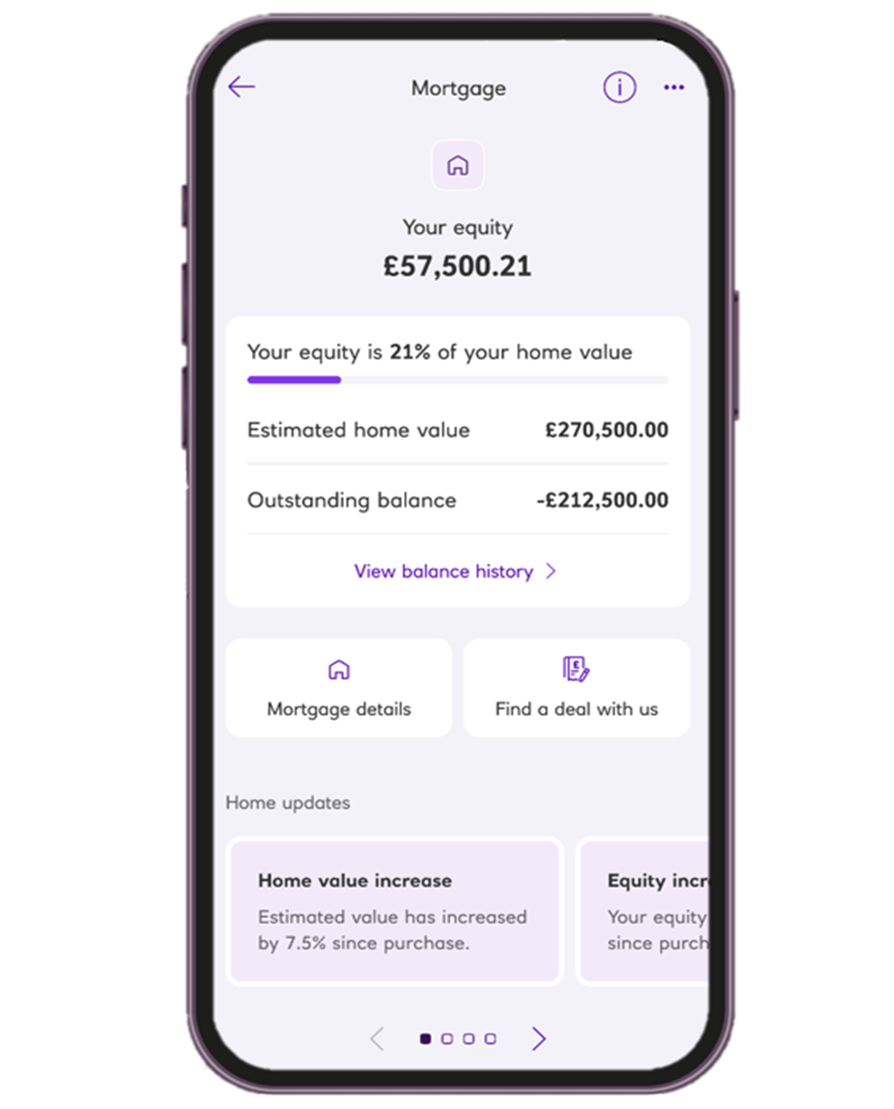
Connecting your mortgage to the Royal Bank app
You can connect an eligible mortgage from another lender through the Royal Bank app and start viewing your mortgage information in just a few steps.
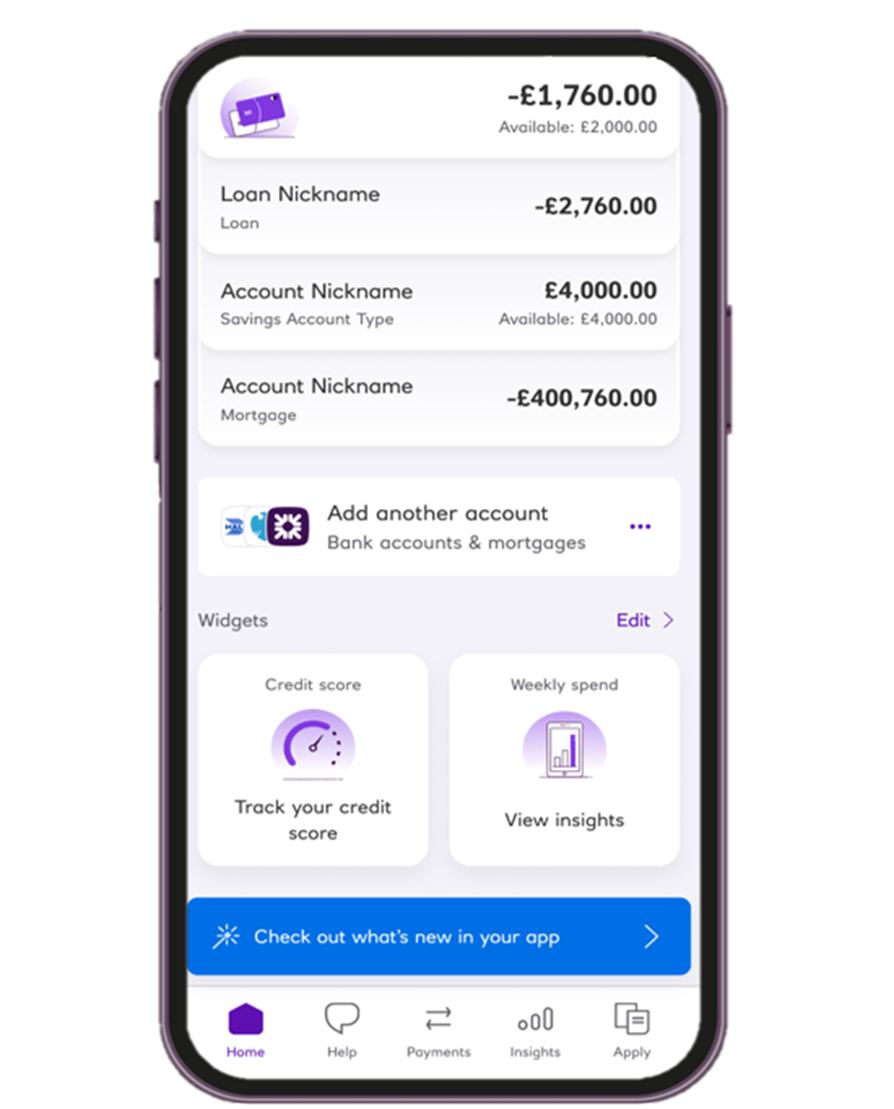
Step 1: Open the Royal Bank app and select 'Add another account'
Open the Royal Bank app and choose 'Add another account' to begin.
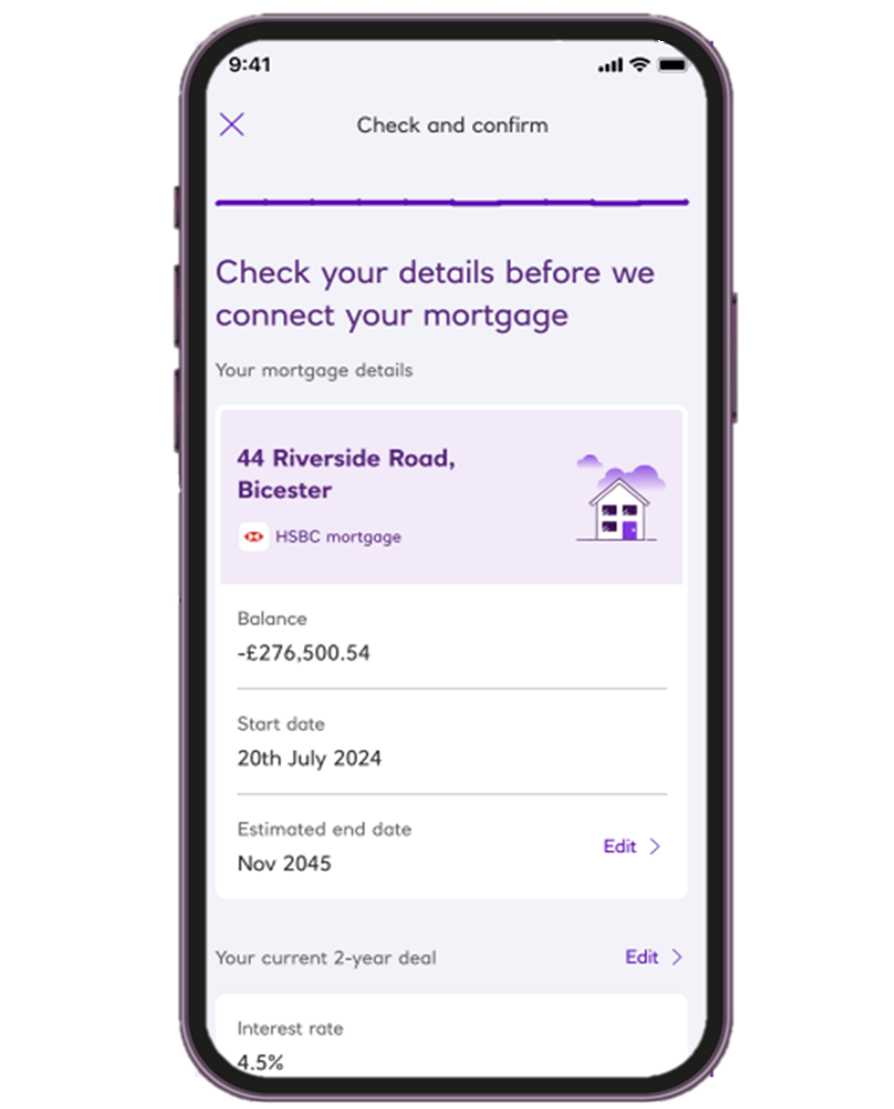
Step 2: Tell us about your mortgage
Provide some details about your mortgage to connect it.
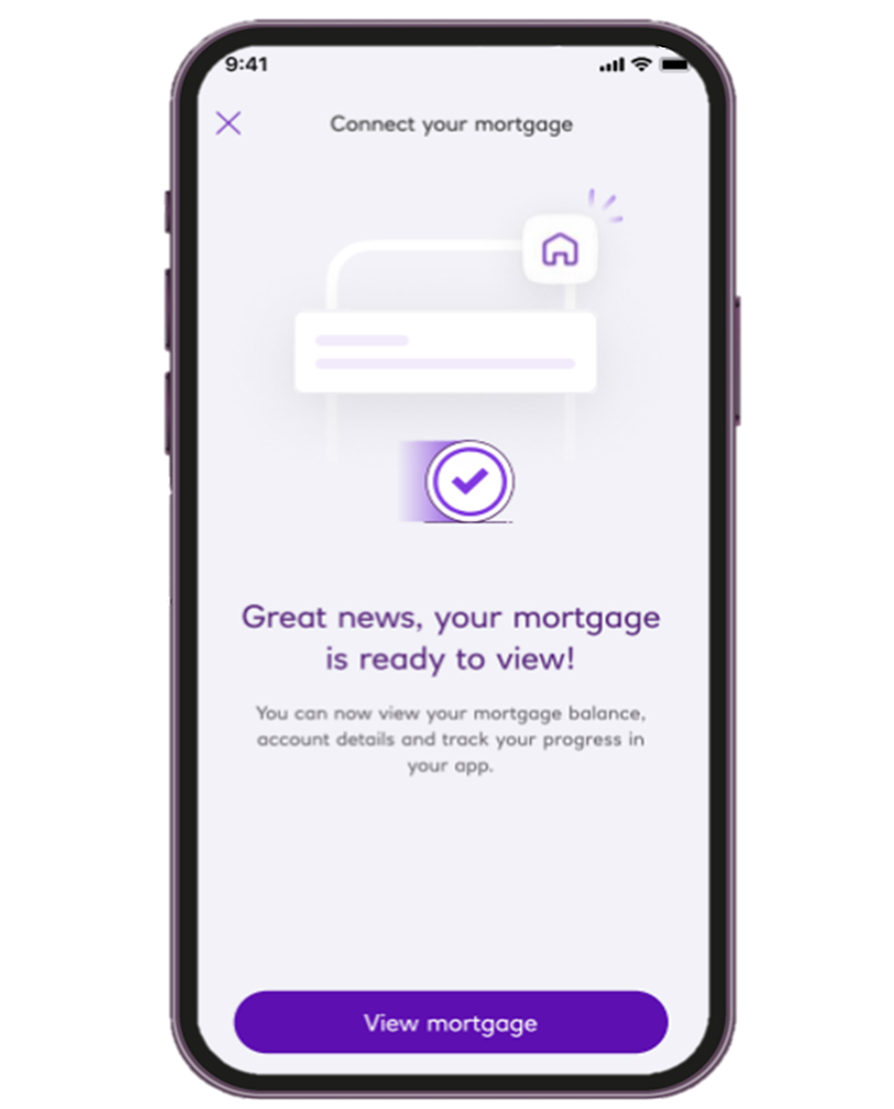
Step 3: Confirm and connect
Give permission for us to connect your mortgage.
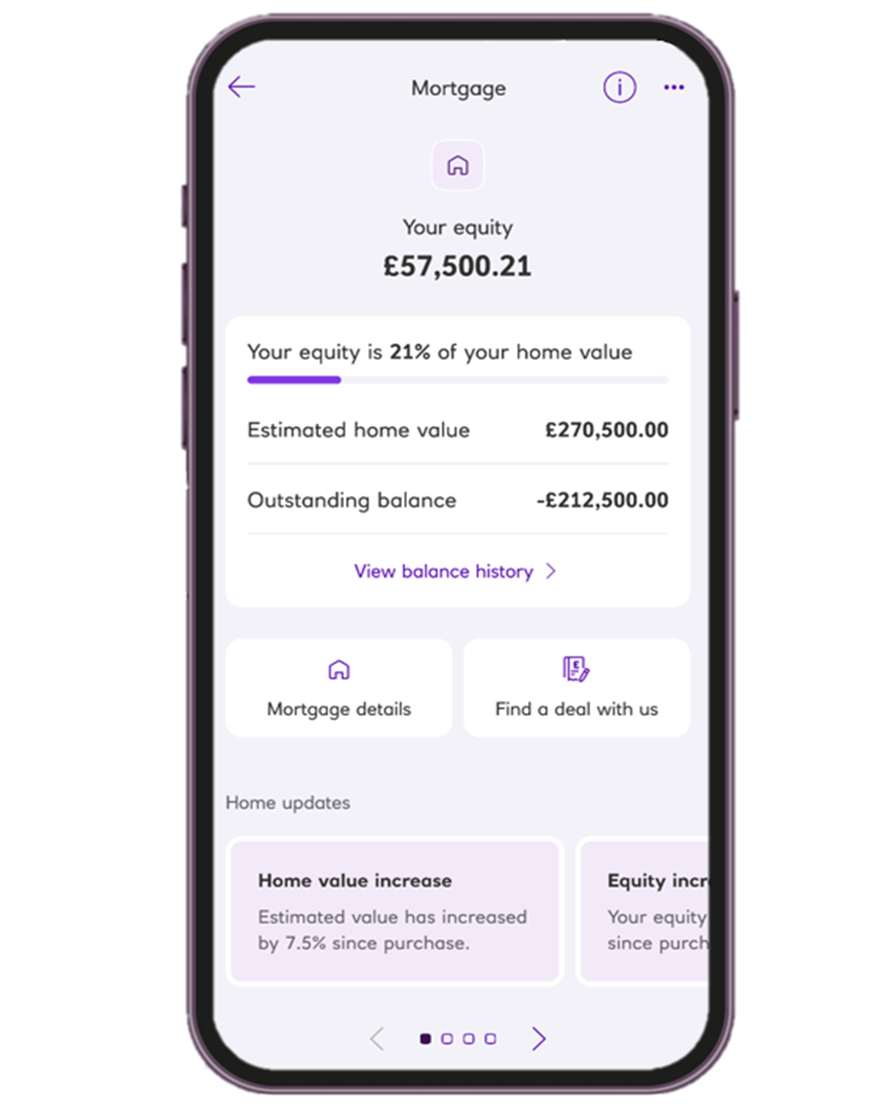
Step 4: Track your home value, equity and mortgage balance
Once connected, you can view your mortgage, explore deals, and get helpful guidance.

Get the Royal Bank App
Bank wherever, whenever
Manage your day to day banking and stay in control of your money by seeing where you're spending it, create budgets and add accounts with other banks. Criteria applies.
warning Message
App available to customers aged 11+ with compatible iOS and Android devices and a UK or international mobile number in specific countries.
Need some help?
Call us
We're on hand to arrange a phone or video call with one of our qualified mortgage professionals. We can also help with any general queries about the process.
Call us on ${dn-0800 056 0567}
Opening hours: Mon-Fri 8am-6pm, Sat 9am-4pm, Sun Closed. Excluding public holidays.
Buy to Let? NatWest only provide Buy to Let mortgages online for small portfolio landlords.
- Please use the NatWest tools and guidance designed to help you complete your mortgage application online.
- We do not provide advice on Buy to Let mortgages but if you need technical help with your online application, get in touch so we can provide support.
- If you are not a small portfolio landlord, or you wish to apply with a mortgage professional, NatWest Buy to Let mortgages are available via mortgage brokers.