


For existing One Account customers, it's business as usual. You'll find useful information here to help manage your account online.
Overlay

How can we help you today?
Manage your One Account mortgage
Get the Royal Bank app
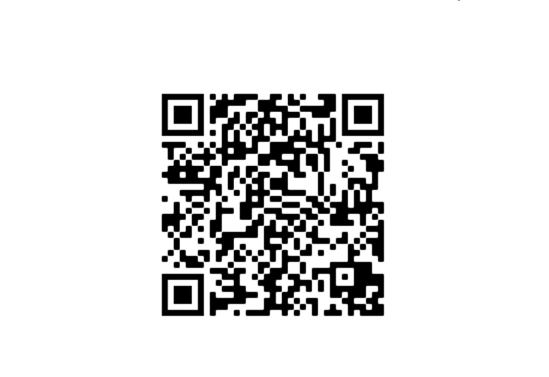
Scan the QR code to log in to or to download the Royal Bank app. If the app isn't for you, then you can manage your One Account through Digital Banking.
To register for the mobile app or Digital Banking, you'll need to provide your account details.
Information Message
How do you access your mortgage after you've registered?
Once logged into the mobile app, simply tap your mortgage and you’ll see a menu to manage your mortgage. If you’re using Digital Banking, there's a link next to your mortgage account.
Information Message
Only have a One Account with Royal Bank?
No worries, whenever we ask for an account number, simply use your One Account number. You can find this on your most recent statement.
When you register for the first time, we'll give you a customer number. You'll need to keep a note of this.
Information Message
If you're looking for something different
Information Message
Life insurance is provided by Aviva. Available to residents of the United Kingdom.
Royal Bank of Scotland Home insurance policies are provided by Uinsure.

Mortgage products
Looking for a new mortgage?
If you are interested in reviewing alternative mortgage products available, come and see what options we could offer.
Information Message

Home insurance
Buildings and contents cover
Take a look at the protection we could offer for both your building and contents, or a combination, to provide the cover you are looking for.
Information Message

Life insurance
Life and critical illness cover
See the options we have available that could provide protection for loved ones if you die or you're diagnosed as terminally ill.
Information Message


General information about your Royal Bank One Account
The following documents are available for more information about your account.