Overlay
Our Select account

Open our everyday bank account

Switch a bank account to our Select account and you could get our Switch & Save offer. Offer T&Cs and restrictions apply.

current account switch guarantee logo

To apply, you need to be 18+ and a UK resident. 

Switch & Save: Unlock our Limited Edition Saver account when you switch to Royal Bank

Apply online or via our mobile app to switch your current account held elsewhere into an eligible Select or Reward account by 6 January 2026.
 

Use the Current Account Switch Service and you could unlock our 12 month Limited Edition Saver account which offers fixed bonus interest rates on balances over £50,000.

Offer available to new and existing customers who do not hold a Royal Bank current account or savings account as of 18 November 2025.

Limited Edition Saver interest rates

AER / Gross p.a. (variable)
 
Interest paid monthly


4.00% / 3.93% 
Balances between £100k - £3m

(includes 2.25% / 2.23% AER / Gross p.a. (fixed) 12 month bonus).
 

3.25% / 3.20%
Balances between £50k - £99,999

(includes 1.50% / 1.49% AER / Gross p.a. (fixed) 12 month bonus).
 

1.06% / 1.05%
Balances up to £49,999

Information Message
1. Switch to us

Open a current account with us  

Simply open an eligible Select or Reward account and switch your bank account to us using the Current Account Switch Service.
 

Your switch to us must be completed by 21 January 2026.

Information Message

2. Switch complete

Wait to receive the offer email from us

Once your switch to us is complete, we'll send you an email with a link to open a Limited Edition Saver account. This will arrive between 02 December and 21 January 2026.

 You'll have until 23 January 2026 to apply for a Limited Edition Saver via our mobile app.

Information Message
3. You're all set

Fund your account
Once you've opened your Limited Edition Saver and funded your account, you'll immediately start benefiting from the interest rates. 

Information Message
Information Message

Specific account eligibility criteria and conditions apply. Monthly account fees may apply. Offer T&Cs and restrictions apply. Offer can be withdrawn or amended at anytime due to limited availability. If you previously held a Royal Bank current account or savings account, you may still qualify, provided you did not hold one as of 18 November 2025. You are not eligible for this offer if you're switching a current account from NatWest Group (NatWest or Ulster Bank NI). Joint accounts are not eligible for this offer.

What happens when you switch?

Step 1

We'll send a request to your old bank to confirm the switch and we'll keep you updated every step of the way.
Step 2

Your old account will be closed on your behalf. Your balance and payments (like Direct Debits) will be moved to your Royal Bank account. 
Step 3

The switch is complete. Once you've met our switch offer eligibility criteria, you'll get an email to open your Limited Edition Saver account. This will arrive between 02 December 2025 and 21 January 2026. 
Why choose our basic bank account?

This bank account is free of a monthly fee.

Manage your account whenever and wherever you need to with our easy-to-use mobile banking app.

Pay however you like with Apple Pay, Google Pay™ or Contactless Debit Card. Limits apply.

Arranged overdrafts are available too. Subject to eligibility. For more information, see our Overdraft details section below. 

A simple bank account that gives you more

Our basic bank account is free from a monthly fee and can be opened online. The Select account, and all of our bank accounts, come with some little extras which can help you save, budget and take stock of your finances.

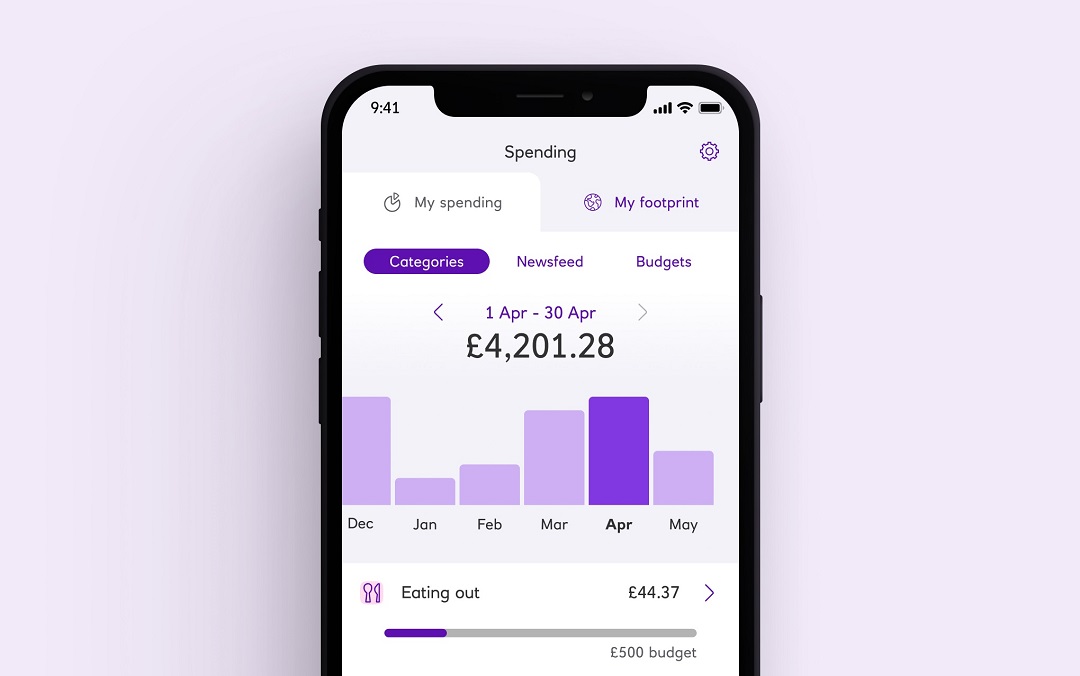
Mobile banking screen showing budgeting activity

Budget better, spend less

Spending will put your transactions in to categories, giving you a detailed view of where your money is going.

Available to customers aged 16+ who hold a Personal or Premier current account.

Information Message
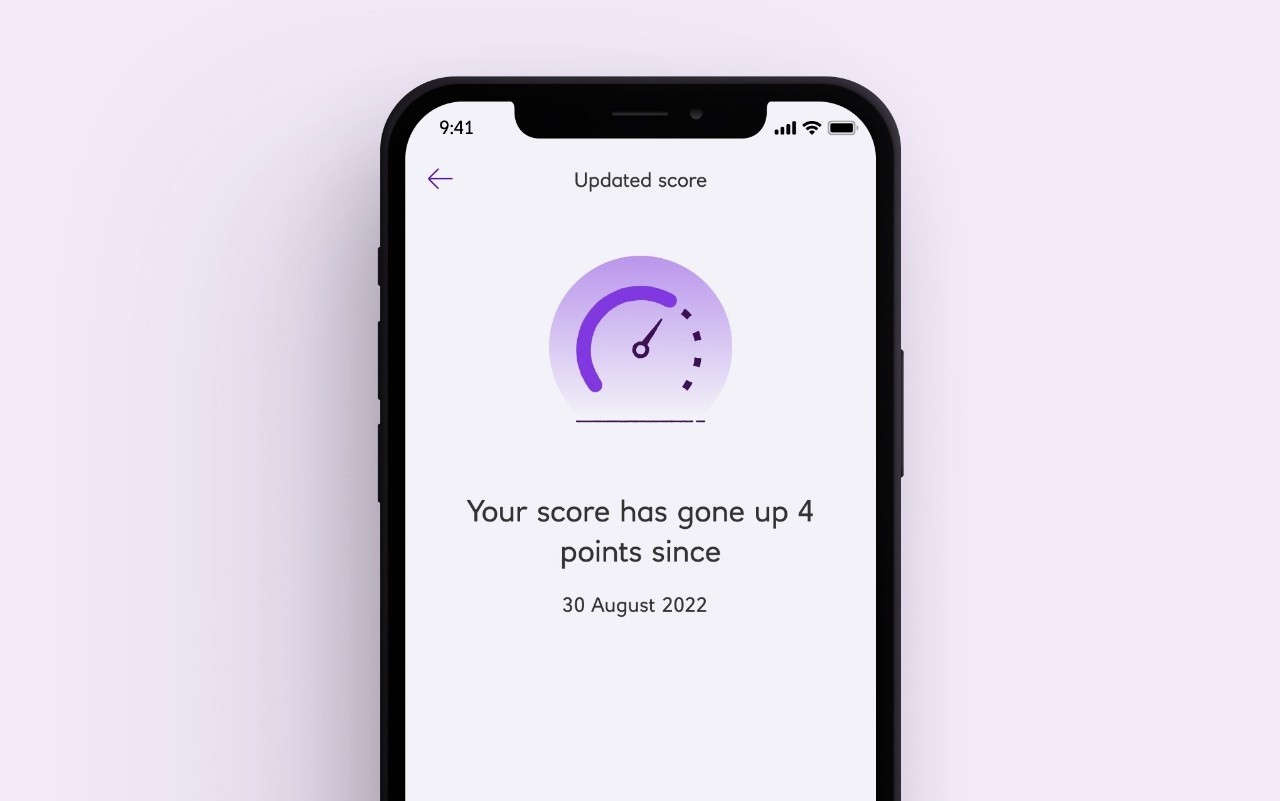
Mobile banking screen for viewing Credit Score

Know your score

With our mobile app you can keep up to date with your credit score for free.

Available to customers aged 18+, with a UK address and is provided by TransUnion.

Information Message
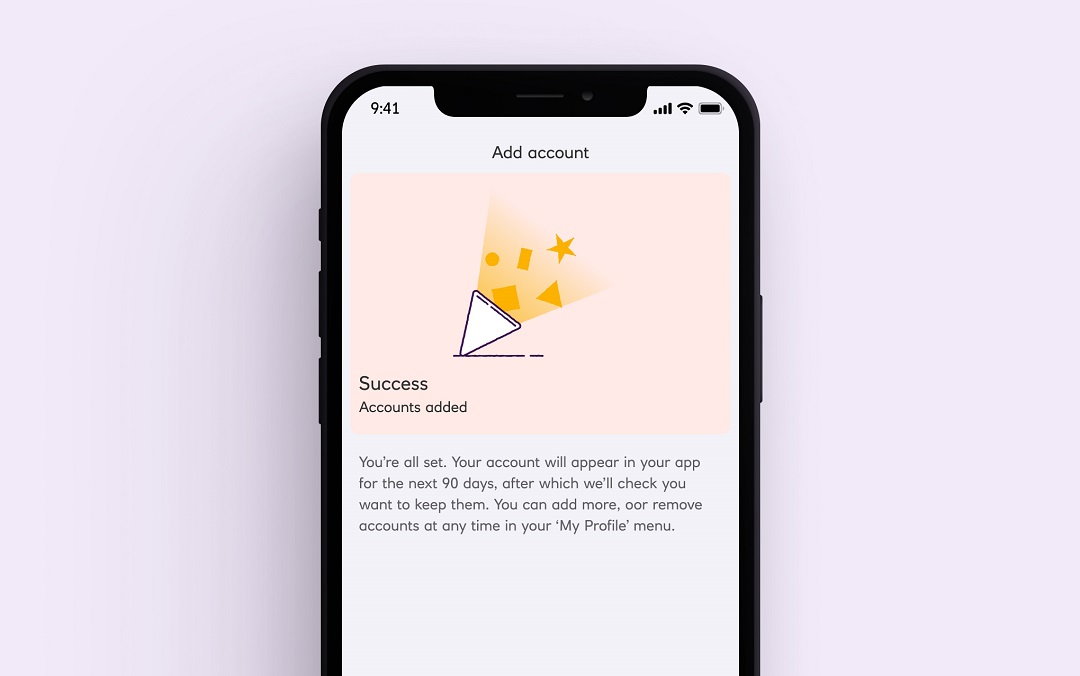
Mobile banking screen for Open Banking

View your accounts with other banks

View balances and transactions on selected accounts with participating UK banks. All your money on one screen.

You need to be registered for online banking with your other banks.

Information Message
Explore your overdraft options

An overdraft is a way of borrowing money from us via your current account and is repayable on demand. If you don't repay what is owed, you could harm your credit score and borrowing capability.

How to open a bank account online

Apply online

During the application we'll ask for information about you such as your address, job etc. So have these ready.

Provide your ID

You'll need to provide proof of your ID and address. You might be able to do this online, look out for an email from us.

Check your details

We'll check we have everything we need to open your account. Look out for your new debit card in the post.

Your account is open

Start using your new account. Log in to Digital banking and download our mobile app to bank on the go.

Everyday current account – Frequently asked questions

Get ready to apply

Please take your time to read the product information and make sure this Select account is right for you.

Before you apply, we need to check you're happy with a few things. And ask you a few questions up front. Then we can make your application as quick and simple as it can be.

First things first. You can apply if you:

  • are aged 18 or over and a UK resident

Now please take a look at the important legal info

How your information might be used

It's important for you to understand how we use and share your information. Please read this short summary before you continue with your application.

As part of the checks that we will complete to verify your identity, we’ll take an image of your face so that it can be compared with your photo ID and this biometric data is captured.


All okay? Apply for a bank account online today.

To speed up your application for our Select account, we need to do a few final checks with you. They'll only take a minute.

Do we already know you?
If you have a current account, credit card, loan or savings account with Royal Bank please let us know.
What would you like to do today?
Do you have a passport or driving licence?
You can use a full or provisional UK driving licence. We also accept ID cards and driving licences from EU or EEA countries. If you don’t have any of these, you can still setup your account online but will need to visit a branch or post us your info to activate it.

You're all set

Your application will be completely online, and you won't need to post us any information or visit a branch. 

  1. Tell us a bit about yourself and we'll set up your account.
  2. Our partner Mitek will then check your identity by matching you to your Photo ID. Your Photo ID must be a Passport, UK or EU/EEA Driving Licence or an EU/EEA National ID card. We might also ask for a valid proof of address. You'll need a device with a camera to upload these. If you don't have your ID to hand you can finish this step later.
  3. Once they've confirmed your identity we'll activate your account.

Please note, a partial switch does not qualify for any switch incentives we may offer. 

Ok. Let’s get started

  • Tell us about yourself

We’ll ask you some questions to get your account set up.

  • Reserve your account

Once you’re done we’ll reserve your account and give you a reference number.

  • Visit a branch or post your ID to us

To activate your account you’ll either need to pop into a branch with your reference number and ID or send them to us by post.

Find out what type of ID we accept

Here's what to do next

We’ve made a few changes to how we open joint bank accounts.

The button below takes you to a dedicated page explaining exactly what you need to open your account.

In summary:

  1. You create a joint account by adding the second applicant to an existing account.
  2. You can either add the second applicant to an existing account, or if you’d like a completely new account, one of you can open a new account and then add the second applicant once it’s open. 
Do you have our app on a mobile device?
You can apply using either the mobile app or Digital Banking. The mobile app is easier and quicker as we can prefill some of your information.

Here's a few steps to get started

If you're already using a device with the Royal Bank app, select the 'Start application' button below. 

You will need the most up to date version of the app, to make changes to your account. 

To open a new account: 

  1. Once logged in to the app, choose 'Apply' and then current accounts. 
  2. Then choose what type of account you would like to open.

To change your account type or switch into your existing account: 

  1. Once logged in, click into the account you wish to change or switch.
  2. Choose either the 'Change my account type' or 'Switch my account' option. 

Can't scan the QR code?


Do you have RBS Digital Banking?

Log in to Digital Banking

  1. Enter your customer number or 16-digit card number to get started. 
  2. You'll then need to enter your Digital Banking pin and password.
  3. Once you're logged in follow the below

To open a new account:

  1. Select 'Current accounts' from 'Our Products'. 
  2. Choose the account you want to apply for and complete your application.

To change to a different account type or to switch into your existing account: 

  1. Choose the account you wish to change or switch, click 'Account details'. Then choose either the 'Switch to us form' or review the section 'Want to change to a different type of current account?' to begin your application. 

Let’s get you signed up for Digital Banking

You’ll need to sign up for Digital Banking with us in order to apply for a Select account. The good news is that it normally takes only 5 minutes and all you’ll need is your sort code, account number and your Royal Bank Debit Card, if you have one.

Once you’ve registered, select ‘Next’ to log in and apply for a Select account. 

Log in to Royal Bank Digital Banking

  1. Enter your customer number or 16-digit card number to get started. 
  2. You'll then need to enter your Digital Banking pin and password.
  3. Once you're logged in follow the below

To open a new account:

  1. Select 'Current accounts' from 'Our Products'. 
  2. Choose the account you want to apply for and complete your application.

To change to a different account type or to switch into your existing account: 

  1. Choose the account you wish to change or switch, click 'Account details'. Then choose either the 'Switch to us form' or review the section 'Want to change to a different type of current account?' to begin your application. 

Forgotten your Digital Banking Details?

If you've forgotten your log in details, don't worry, select 'Reset my Digital Banking' for further instructions. 

How to download and apply via the app

First, download the app:

  1. On your mobile or tablet, open the camera and point your device at the QR code.
  2. Follow the link that pops up to download the app.
  3. Use your details to log in and follow the below. 

To open a new account:

  1. Once logged in to the app, choose 'Apply' and then current accounts. 
  2. Then choose what type of account you would like to open.

To change to a different account type or to switch into your existing account: 

  1. Click into the account you wish to change or switch, then select 'Change my account type' or 'Switch my account' to begin your application. 

Can't scan the QR code?

Available on selected devices.

Ways to take control of your money

Get a financial health check

Review your finances with our free financial health check. Fill in a few details and get useful hints and tips.

Learn how to manage your money

It can be tricky to know where to begin when it comes to saving money. But our quick guide can help point you in the right direction.

Get better at budgeting

Setting yourself budgets is a brilliant way to get your spending under control. In a few simple steps you could be saving money in no time.