


Switch to a Select account and you could get £150, plus access to a 12 month fixed bonus rate if you open a Digital Regular Saver.
Overlay
To apply, you need to be 18+ and a UK resident. Offer T&Cs and restrictions apply.
The switch worth making
Switch to Royal Bank and you could get £150 and access to a 12 month fixed bonus rate if you open a Digital Regular Saver account.
Offer available to new and existing customers who haven't previously received a switch offer and did not hold a Royal Bank current account or savings account as of 17 February 2026.
How to get £150
1. Open a current account and switch to us
- Apply for a Select or Reward account and request to switch an account with another bank to us using the Current Account Switch Service by 28 May 2026.
- Your switch must be completed by 16 June 2026.
2. Within 60 days of switching
- Pay in £1,250 - This can be made of multiple payments and must remain in the account for 24 hours.
- Log in to our mobile app - This can be done on any device that supports the Royal Bank mobile banking app.
3. You're all set
When you've met these conditions, we'll pay £150 into your eligible account within 30 days.
How to unlock our bonus rate
Once you've opened your current account, you must open a Digital Regular Saver by 16 June 2026. To be eligible for the bonus rate, you need to complete your switch to us.
- 7% AER
This includes 5.25% / 5.13% AER/Gross p.a. (variable) on balances up to £5k plus a conditional bonus of 1.75% AER (fixed) for 12 months. Interest paid monthly. - 1.00% AER/Gross p.a. (variable) on balances over £5,000.
There’s no need to wait for your £150 incentive to be paid.
Why choose a Digital Regular Saver?
- Save between £1 and £150 each month - you're in control.
- Instant access to your savings whenever you need them.
- Perfect for building regular savings habits, whether you're starting small or levelling up your savings goals.
Information Message
Specific account eligibility criteria & conditions apply. Monthly account fees may apply. Offer T&Cs and restrictions apply. You are not eligible for this offer if you're switching a current account from NatWest Group (NatWest or Ulster Bank NI). Joint accounts are not eligible for this offer. This offer may be changed, replaced, or withdrawn at any time.
Why choose our basic bank account?
This bank account is free of a monthly fee.
5-star rated by Moneyfacts and Defaqto for 2026.
Manage your account whenever and wherever you need to with our easy-to-use mobile banking app.
Pay however you like with Apple Pay, Google Pay™ or Contactless Debit Card. Limits apply.
Arranged overdrafts are available too. Subject to eligibility. For more information, see our Overdraft details section below.
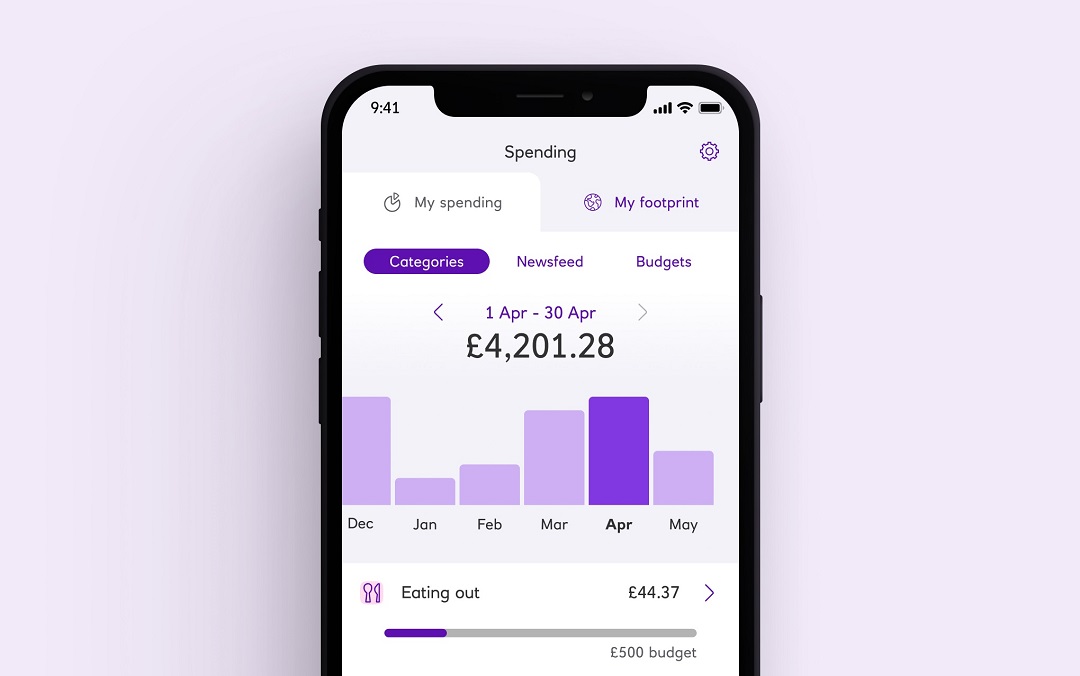 Mobile banking screen showing budgeting activity
 Budget better, spend less
Spending will put your transactions in to categories, giving you a detailed view of where your money is going.
Available to customers aged 16+ who hold a Personal or Premier current account.
Information Message
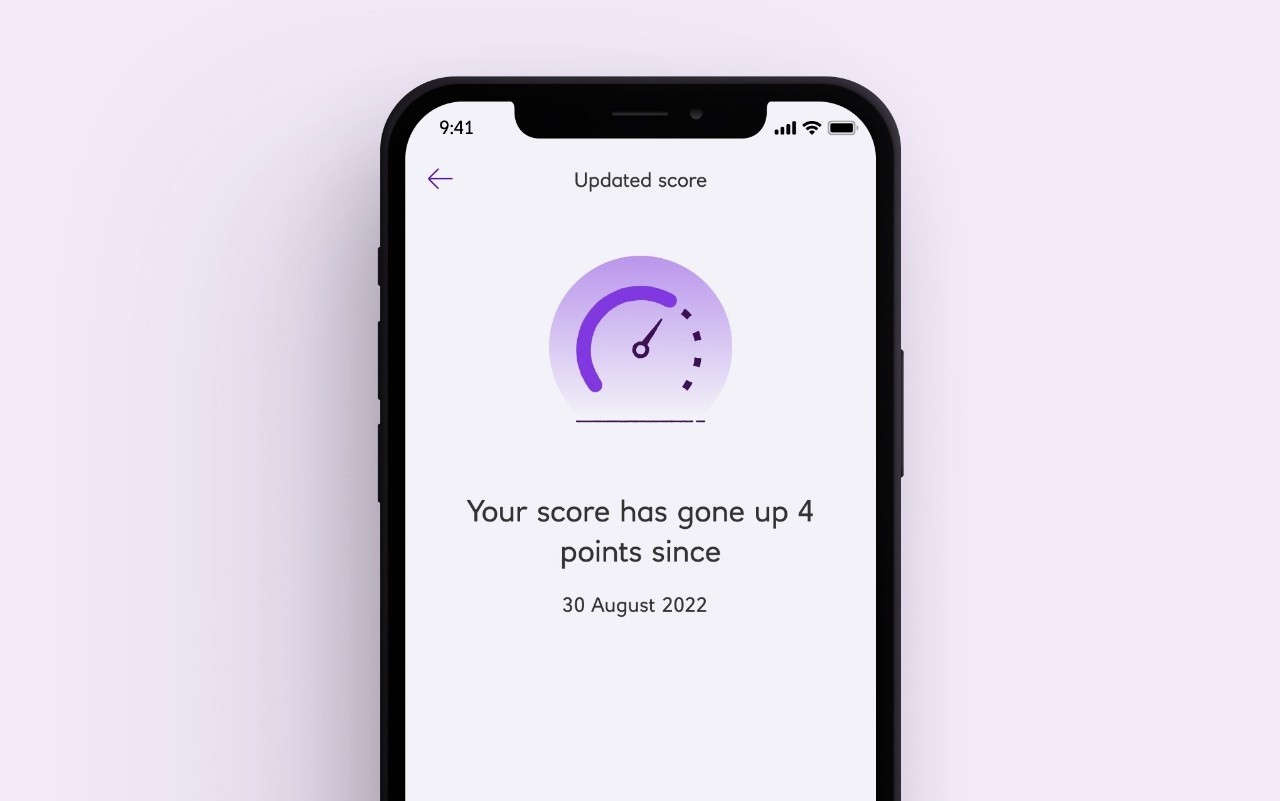 Mobile banking screen for viewing Credit Score
 Know your score
With our mobile app you can keep up to date with your credit score for free.
Available to customers aged 18+, with a UK address and is provided by TransUnion.
Information Message
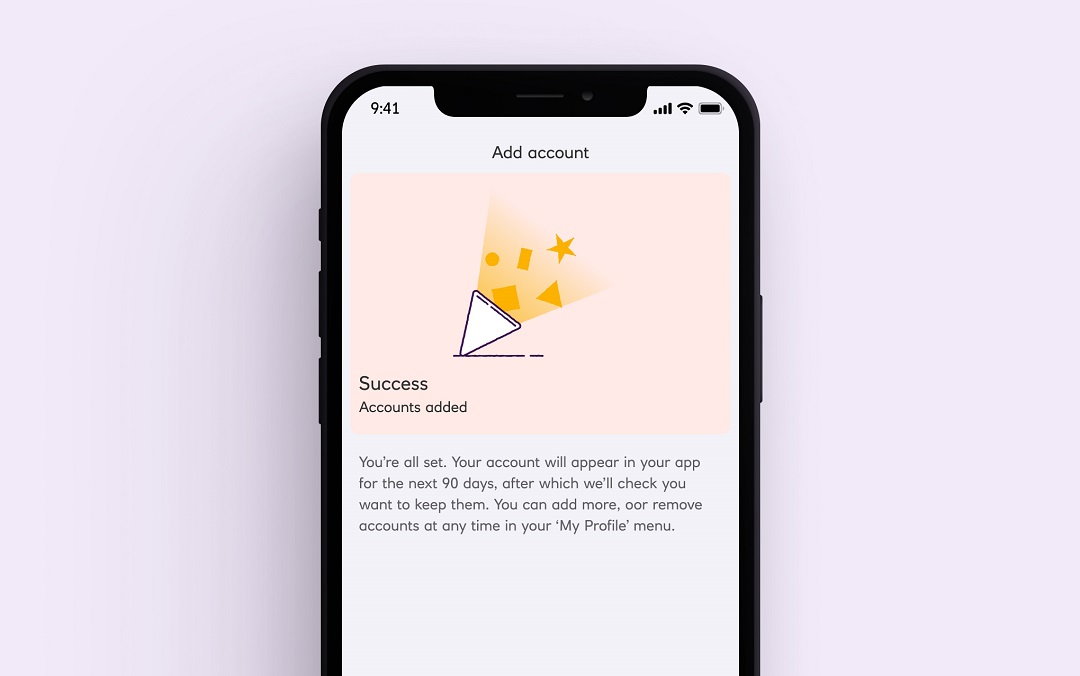 Mobile banking screen for Open Banking
 View your accounts with other banks
View balances and transactions on selected accounts with participating UK banks. All your money on one screen.
You need to be registered for online banking with your other banks.
Information Message
How to open a bank account online


Everyday current account – Frequently asked questions
If you carry on applying, it means you're happy with what's in these documents, including the FSCS information sheet. And happy to view your statements in Digital Banking - not posted. Please take some time to review, print and/or save the important information.
Get a financial health check
Review your finances with our free financial health check. Fill in a few details and get useful hints and tips.
Learn how to manage your money
It can be tricky to know where to begin when it comes to saving money. But our quick guide can help point you in the right direction.
Get better at budgeting
Setting yourself budgets is a brilliant way to get your spending under control. In a few simple steps you could be saving money in no time.